1
Send Otto the message
Save a school note, screenshot, email, PDF or quick family reminder.
Less to remember. Fewer things missed.
Otto helps parents save school messages, forms, payments, kit lists, appointments and reminders — then turns them into the next things your family needs to do.
Opens from a web link. No new school app to learn.
The problem
The important detail is usually in a message you saw three days ago, a PDF you cannot find, or the part of your brain already carrying everything else.
Meet your helper
Otto turns school messages, screenshots, forms and family notes into clear reminders, saved details and simple answers. Ask what is coming up, what needs doing, or where something was saved.
Save a school note, screenshot, email, PDF or quick family reminder.
Dates, payments, kit lists, forms, names and deadlines are pulled out.
The right child, reminder and next action are saved in one place.
A real example
Before
“Grade 6 swimming gala this Friday. Please bring goggles, towel, tracksuit and water bottle. Consent form and R250 payment due Wednesday.”
After Otto
Pack swimming kit by Thursday evening
Pay R250 by Wednesday
Sign the consent form
Save under Emma → School → Swimming Gala
Remind both parents before anything is missed
Why school apps are not enough
School apps are useful for communication. They are simply not designed to be the parent's full memory system.
One child may use one school app and another child a different one.
Sports updates and kit lists may arrive in WhatsApp groups.
Payments and ticket links may be hidden in email.
Forms may be attached as PDFs — but the actual job is still yours.
Not more information. Just the answer, the deadline, or the reminder your family needs.
Goggles, towel and tracksuit — with a reminder on Thursday.
Payment due Tuesday — amount and payment link saved together.
Packing list, consent form and departure time in one place.
A reminder before tickets open, with the booking link ready.
Medication notes and the follow-up date saved for later.
The family document is easy to find when a form asks for it.
Test date and revision reminder connected to the right child.
Pickup times, addresses and what to pack shared with both parents.
A quick look
Open the family view, check what is next, and get on with your day.
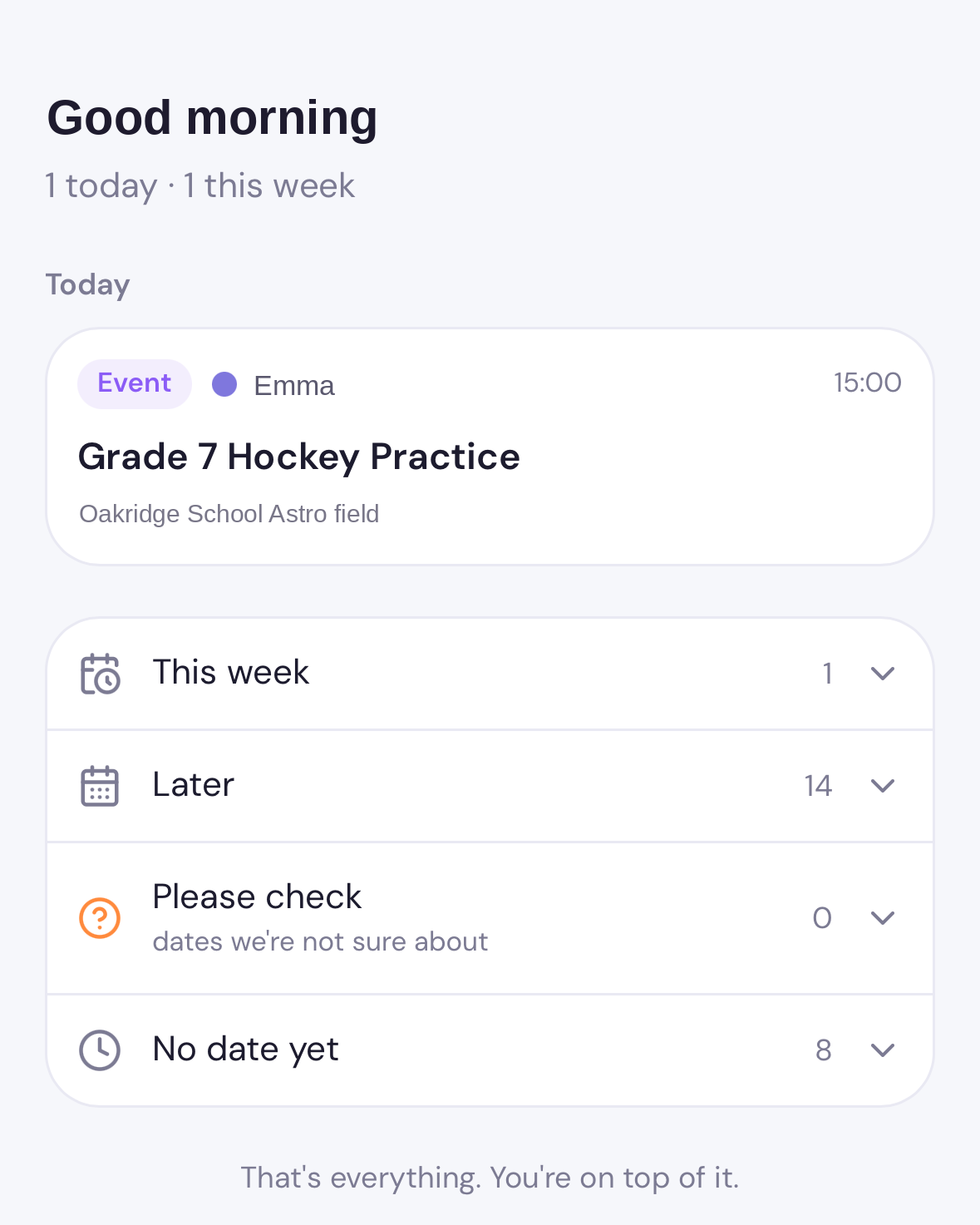
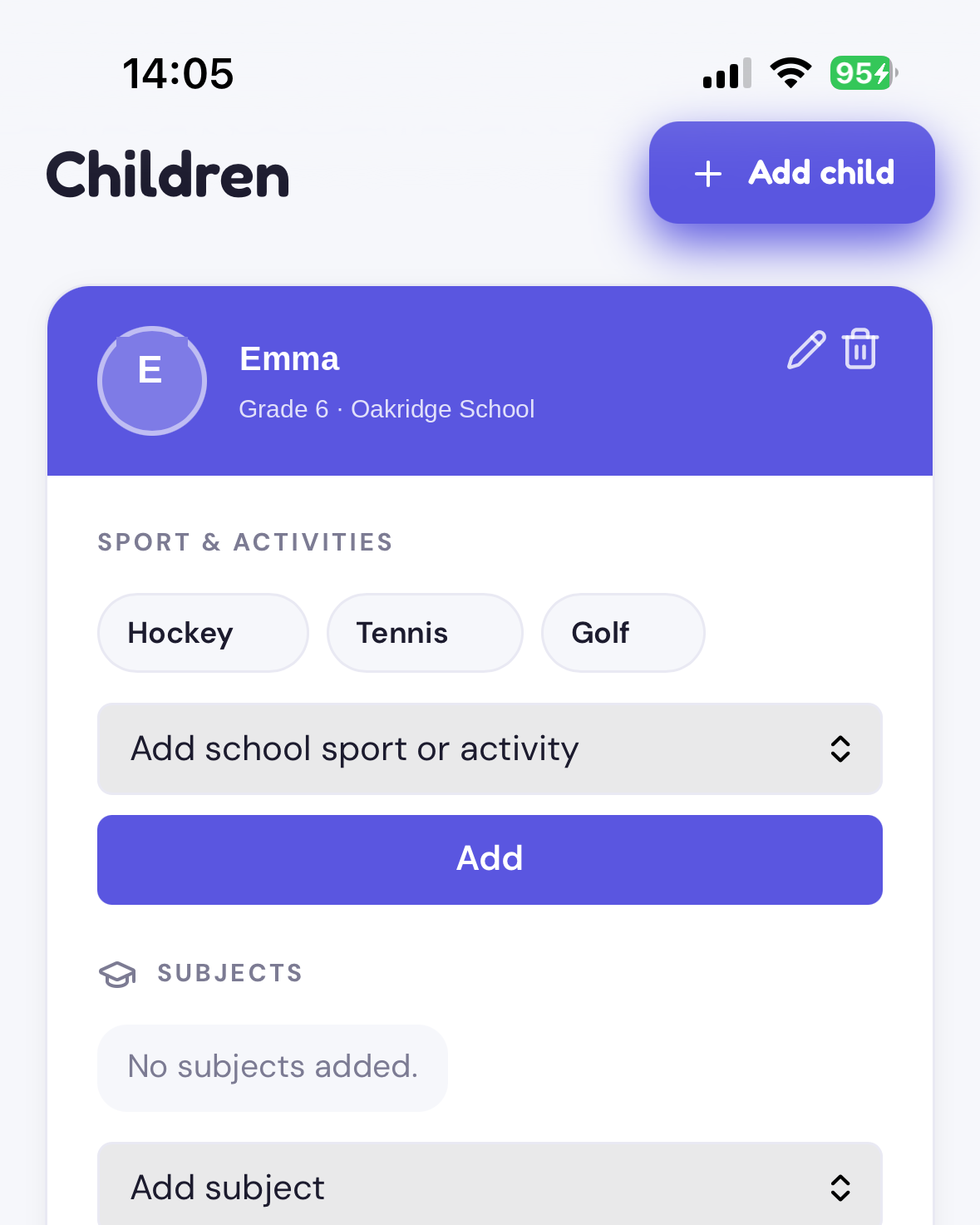
Ask Otto
Family answers
Based on your saved family information
Set up in minutes
No complicated onboarding
No app store download
Built around your family
Reduces mental load
Join early access to keep your family's dates, forms, payments and reminders in one calm place.
No spam. Just product updates and early access.
No. School apps are for school communication. Parent Second Brain is for parents to organise what they need to remember across school, home, activities, documents, health, and routines.
Otto is the helper inside Parent Second Brain. Otto helps turn messages, screenshots, forms and notes into reminders, saved details and simple answers.
No. Parent Second Brain is designed to work from a simple web link first, with an app-like experience on your phone.
Yes. The goal is to help both parents stay aligned around the same family information.
No. School is one major use case, but it also helps with documents, routines, activities, appointments, reminders, and important notes.
The experience should feel simple. Otto uses helpful technology in the background so parents do not have to organise everything manually.